

The first time I tried to teach myself coding, I treated it like a book subject. I highlighted. I rewatched tutorials. I told myself I would “practice later” once I understood it better.
Nothing stuck until I flipped the routine: less watching, more building. Less cramming, more spaced review. And a schedule that assumed I am a real person with a job, a brain that gets tired, and weeks that do not go perfectly.
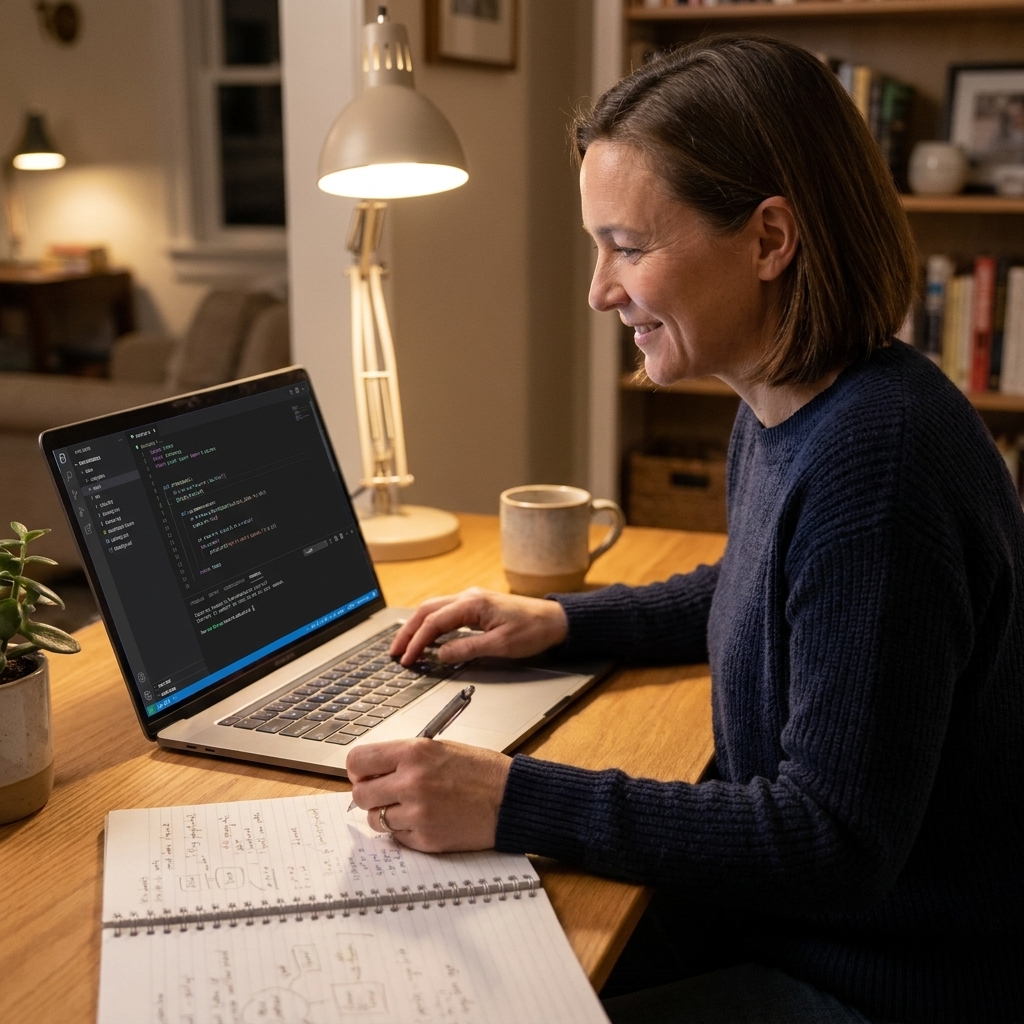
This guide walks you through a self-taught study routine for programming and technical skills that actually holds up over time, especially if you are coming from a non-technical background.
Start with the outcome
If you pick a tool before you pick a use case, your routine gets fuzzy fast. You end up bouncing between courses because everything feels equally “important.”
Instead, choose one outcome that would be valuable in your current role or the role you want next. Examples:
- Automate spreadsheet work (Python basics, working with CSV files)
- Build dashboards and answer business questions (SQL, basic statistics, visualization)
- Analyze marketing or product data (SQL, Python or R, experiments and reporting)
- Build simple web projects (HTML, CSS, JavaScript fundamentals)
Then pick one primary track for the next 8 to 12 weeks. You can always branch out later, but consistency loves a narrow lane.
If you are also navigating a career shift, pairing your learning with a longer timeline helps. I recommend reading A 6-Month Study Plan for a Career Transition and borrowing the same monthly rhythm.
The routine that sticks
A lot of self-taught plans stall because they focus too much on “learning” and not enough on retrieval and application. Your weekly structure should include four repeating modes:
- Learn: short lessons, documentation reading, guided walkthroughs
- Build: tiny projects, scripts, queries, exercises you write yourself
- Retrieve: answer questions from memory, explain concepts, do problems without looking
- Review: spaced repetition, error logs, revisiting old work
If you want a ready-made daily loop, Kolb’s Learning Cycle as a Daily Study Routine can map well to technical practice because it nudges you to alternate between doing and reflecting.
Pick a weekly schedule
Your schedule should match your life first, and your ambition second. Here are three options that work well for busy beginners.
Option A: Full-time worker plan
- 3 weekdays: 45 to 60 minutes each (learn + small exercises)
- 1 weekend block: 90 to 150 minutes (build + review)
- 1 “admin” slot: 15 minutes (plan the next week, tidy notes, update your error log)
If you need help protecting those blocks, A Realistic Study Schedule for Full-Time Workers shows how to anchor study time to routines you already have.
Option B: Micro-sprint plan
- 5 days: 20 to 30 minutes (one focused task)
- 1 day: 60 minutes (build something tiny)
This plan is underrated. It is how you keep momentum when work is intense or life is loud.
Option C: Project-first plan
- 2 sessions: 60 to 90 minutes (primarily build)
- 1 session: 45 minutes (fill gaps: look up syntax, read docs, targeted practice)
This is the best plan for people who learn by doing and get bored watching videos.
Whatever option you pick, make it easy to follow. I like using simple time blocks and repeating appointments. If you want a structure for that, Time-Blocking Your Study Week for Better Retention is a good companion.
Choose one main resource
“Pick one main resource” sounds simple until you are staring at 40 tabs.
Here is what I look for when I am choosing a course, book, or tutorial series for a 4-week stretch:
- It matches your outcome. If your goal is SQL for dashboards, a general computer science course will feel impressive and still not help you on Monday.
- It has exercises. Not just quizzes. Real prompts where you have to write something.
- It builds toward small projects. Even if they are ugly. Especially if they are ugly.
- It is the right size. A focused beginner track beats a “complete everything” mega-course.
- You can finish a section per week. If each module takes six hours, it will not survive a normal life.
Once you pick, commit for four weeks. Everything else goes in a “parking lot” list for later.
Inside one study session
I use a “one-page session” rule: if I cannot write what I am doing on one page, it is too big for one sitting.
A simple 60-minute session
- 5 minutes: open your notes and write today’s target in one sentence
- 15 minutes: learn (short lesson or documentation)
- 30 minutes: build (type code, write queries, solve exercises)
- 7 minutes: retrieval (close everything and explain what you did)
- 3 minutes: update your error log and choose the next tiny target
If you want an easy retrieval prompt, try this: “Explain what the loop (or join, or function) did in my solution, and why I chose it.” If you cannot answer, that is not a character flaw. That is tomorrow’s target.
If staying focused is hard, use a timer. Different people respond better to different intervals, so I like Pomodoro by Learning Style as a way to experiment without guilt.

The error log that speeds you up
Your error log is a running note where you capture:
- the exact mistake you made
- the reason it happened (concept gap, syntax, missing step)
- the fix
- a quick rule of thumb for next time
Here is what an entry can look like:
- Mistake: KeyError on
row["price"] - Why: column name was
Pricein the CSV - Fix: check column names first, use consistent casing
- Rule: before debugging logic, print headers and confirm what data I actually have
This turns frustration into a searchable library of lessons. It also reduces repeat mistakes, which is a huge confidence boost.
Practice that builds skill
In technical learning, “I understand it when I see it” is not the same as “I can do it.” Your routine needs practice that forces decisions.
A 70-20-10 rule of thumb
This is not a universal law. It is a practical mix I use when I notice I am consuming more than I am creating:
- 70% building: writing code, writing SQL queries, cleaning data, debugging
- 20% targeted drills: small exercises for weak spots (loops, joins, functions)
- 10% lessons: short input to unlock the next step
Build a mini-project ladder
Pick one theme and level it up each week. Examples:
- Python: read a CSV file, clean a column, summarize metrics, save output, then automate it
- SQL: start with SELECT and WHERE, then GROUP BY, then joins, then window functions
- Excel to analytics: replicate a familiar spreadsheet report in code and compare results
Project ladders work because you keep reusing the same core moves. Repetition is how concepts become automatic.
Retention without overload
If you have ever felt like you are relearning the same topic every Saturday, you are not broken. You just need a retention loop.
Spaced review, simplified
For coding, I like spaced repetition in a lightweight form:
- Same day: explain the concept from memory (2 to 5 minutes)
- 48 hours later: do one problem without looking
- 1 week later: redo a similar task, then compare approaches
- 1 month later: use it inside a project
If you want to build a consistent review habit, Spaced Repetition by Learning Style breaks down ways to do it without turning your life into flashcards.
Do a weekly retrieval day
Once a week, spend 30 to 45 minutes on:
- redoing one older exercise without notes
- rewriting a small function or query from memory
- explaining one concept out loud, as if teaching a coworker
The teaching part matters. If you cannot explain a concept simply, you found your next study target. The Feynman Technique for Visual, Auditory, and Tactile Learners is one of my favorite ways to do this kindly, without spiraling into “I am bad at this.”
Notes that stay useful
Notes should make you faster, not busier. My rule: your notes are for retrieval cues and examples you can reuse, not transcripts.
A format that fits coding
- Top: one sentence “When would I use this?”
- Middle: the simplest working example you can write
- Bottom: your personal gotchas (the mistakes you keep making)
If you want a structured way to review notes daily, Cornell Notes for Daily Review adapts surprisingly well to coding because it separates cues from explanations.

Keep a snippet library
Start a single document called “snippets I can reuse.” Whenever you solve something cleanly, paste the example and add a one-line label about what it does.
Example:
- Label: “Read CSV and filter rows by date”
- Snippet: your minimal working code or query
- Note: “Common mistake: date column is text, convert before filtering”
This becomes your personal reference, which is often more helpful than searching the entire internet again.
Learning style, lightly
I am not interested in forcing you into a learning style label. I am interested in helping you choose study behaviors that feel natural enough to repeat. Use what works, ignore what does not, and do not treat any preference as a fixed identity.
If you learn best visually
- sketch the flow of a program before you code it
- use mind maps for how concepts relate (tables, joins, keys, aggregations)
- keep a color-coded weekly plan so your brain can see the pattern
You might like Mind Mapping for Complex Subjects and Color-Coded Study Schedule for Visual Learners.
If you learn best by reading and writing
- rewrite definitions in your own words
- keep an error log and a snippet library
- do “explain it like I am onboarding someone” summaries
From Messy Notes to Mastery: Read-Write Study Guide has a lot of practical structure for this.
If you learn best hands-on
- start every topic with a tiny build
- use short timed sprints
- practice debugging on purpose by breaking code and fixing it
If you learn best by listening
- record yourself explaining a concept and replay it during a walk
- talk through your code while you write it
- join a small study buddy routine where you demo progress weekly
Group learning is not automatically better, but it can be powerful when structured. See Social vs Solitary Learning: Group Study That Works.
A 12-week roadmap
If you want a concrete structure, this 12-week arc is a sweet spot for non-technical professionals. It is long enough to build momentum, short enough to finish.
Weeks 1 to 2: Setup and basics
- install tools and learn your workflow (editor, saving projects)
- minimum viable setup: language runtime + code editor + a place to keep files organized
- learn the smallest set of basics you can use immediately
- build tiny, ugly things on purpose
Weeks 3 to 6: Repetition
- do targeted drills for core patterns
- start a project ladder
- add a weekly retrieval day
Weeks 7 to 10: Applied projects
- build 1 to 2 slightly larger projects
- practice reading documentation and debugging
- write short project notes explaining decisions and tradeoffs
Weeks 11 to 12: Polish
- refactor one project (make it cleaner, not bigger)
- create a small portfolio narrative: problem, approach, result
- identify your next skill gap and plan the next 4 weeks
If you are studying for a credential, you can swap the portfolio narrative for practice exams. Strategic Study Plan for Certification Exams is a helpful model for that kind of timeline.
How to measure progress
Progress feels motivating when you can point to something real. I like simple signals that do not require a spreadsheet obsession.
- Output: Did I write something this week (a script, a query, a small function), not just watch something?
- Rebuild: Can I recreate last week’s mini-project from a blank file with minimal peeking?
- Friction: Are my repeat mistakes decreasing in the error log?
If you want one tiny weekly test, do this on your retrieval day: rebuild your most recent “useful” script or query from memory, then compare with your saved version.
When you fall behind
The best routine is not the one that never breaks. It is the one you can restart quickly.
A gentle reset
- Do one 20-minute session today. Keep it embarrassingly small.
- Pick the next three sessions only. Do not plan the whole month while you feel behind.
- Review your error log and last project. Restart from what you already touched.
- Lower the bar for two weeks. Consistency first, intensity later.
If you need a step-by-step re-entry, How to Get Your Study Plan Back on Track After Falling Behind is exactly for this moment.
And if you are truly up against a deadline, you can borrow the structure from 7-Day Emergency Study Plan and adapt it to technical practice by replacing memorization with short build-and-retrieve cycles.
Common beginner problems
“I keep tutorial-hopping.”
Pick one main resource for 4 weeks. Make a parking lot list for everything else. You are not quitting those topics. You are deferring them.
“I do not know what to study next.”
Let your errors choose for you. Study the thing that caused your last three mistakes. That is your syllabus.
“I forget syntax constantly.”
Normal. Early on, syntax can feel like the whole job. Over time, as you practice core patterns, more of syntax becomes lookup-friendly. Focus on patterns and problem-solving. Keep a snippet library and practice rewriting small pieces from memory once a week.
“I freeze when I see an error.”
Create a debugging checklist:
- read the whole error message
- locate the line number
- print or inspect the variables involved
- change one thing at a time
- write the fix in your error log
“My schedule keeps clashing with my life.”
That is data, not failure. If you see yourself resisting your plan, check 7 Signs Your Study Plan Clashes With Your Learning Style and adjust the structure instead of blaming yourself.
Weekly checklist
- 2 to 4 learning sessions (short input, then practice)
- 1 build session (project ladder progress)
- 1 retrieval session (no notes, explain and redo)
- Update error log (after every session)
- One 15-minute planning check (choose next three targets)
If you like routines you can physically check off, you might enjoy Build a Study Session You Can Check and adapt it for coding.
The mindset shift
You do not learn coding by collecting information. You learn it by running into small problems, solving them, and then seeing the same pattern again next week with a little less friction.
So if your routine feels slow, messy, or humbling, you are probably doing it right.