

I have a confession: I have broken up with more study trackers than I would ever admit out loud. I have been the person who sets up a gorgeous digital system on Sunday, then forgets it exists by Wednesday. I have also bought a paper planner that felt like it would “fix my life,” only to realize I hated opening it when I was stressed.
That is why I do not treat the “apps vs. paper” question like a productivity debate. The right study tracker is the one you will actually use when you are tired, busy, and not feeling particularly motivated. Let’s make that choice based on your real habits, not your fantasy self.

What a tracker is for
Before we compare tools, it helps to get clear on the job you are hiring your tracker to do. Most people try to make one system cover everything and then feel guilty when it does not.
A study tracker can do four different jobs:
- Planning: deciding what you will study and when.
- Prompting: reminding you to start, stop, and switch tasks.
- Proof: showing you what you actually did (useful for motivation and realistic scheduling).
- Processing: helping you think through what is confusing, what is next, and what needs review.
In my experience, digital tools usually shine at prompting and proof. Paper tools often feel better for processing and thinking things through. Your best choice depends on which job you need the most support with.
Digital trackers
By “digital,” I mean anything on a device: calendar apps, task managers, habit trackers, focus timers, or even a simple notes app. Digital systems can be great when your main challenge is consistency, timing, and follow-through.
Strengths of digital
- Reminders that actually interrupt you: notifications, alarms, and widgets can be hard to ignore.
- Fast rescheduling: drag and drop your study blocks when life happens.
- Repeatable routines: recurring tasks for review sessions, weekly quizzes, or lab write-ups.
- Search and storage: you can find that “Week 3 practice set” note quickly.
- Data and streaks: seeing minutes studied can be motivating if you like metrics.
Digital pitfalls (the ones that cause a slow drop-off)
- Out of sight, out of mind: if the app is not visible, it can vanish from your attention.
- Too much setup: complicated systems are fun to build and annoying to maintain.
- Notification fatigue: if everything pings you, you start ignoring all of it.
- Context switching: you open your tracker, then suddenly you are in messages.
If you want digital to work long-term, aim for “boring and obvious.” A tracker that is a little plain but always used beats a beautiful system you abandon.
Paper planners
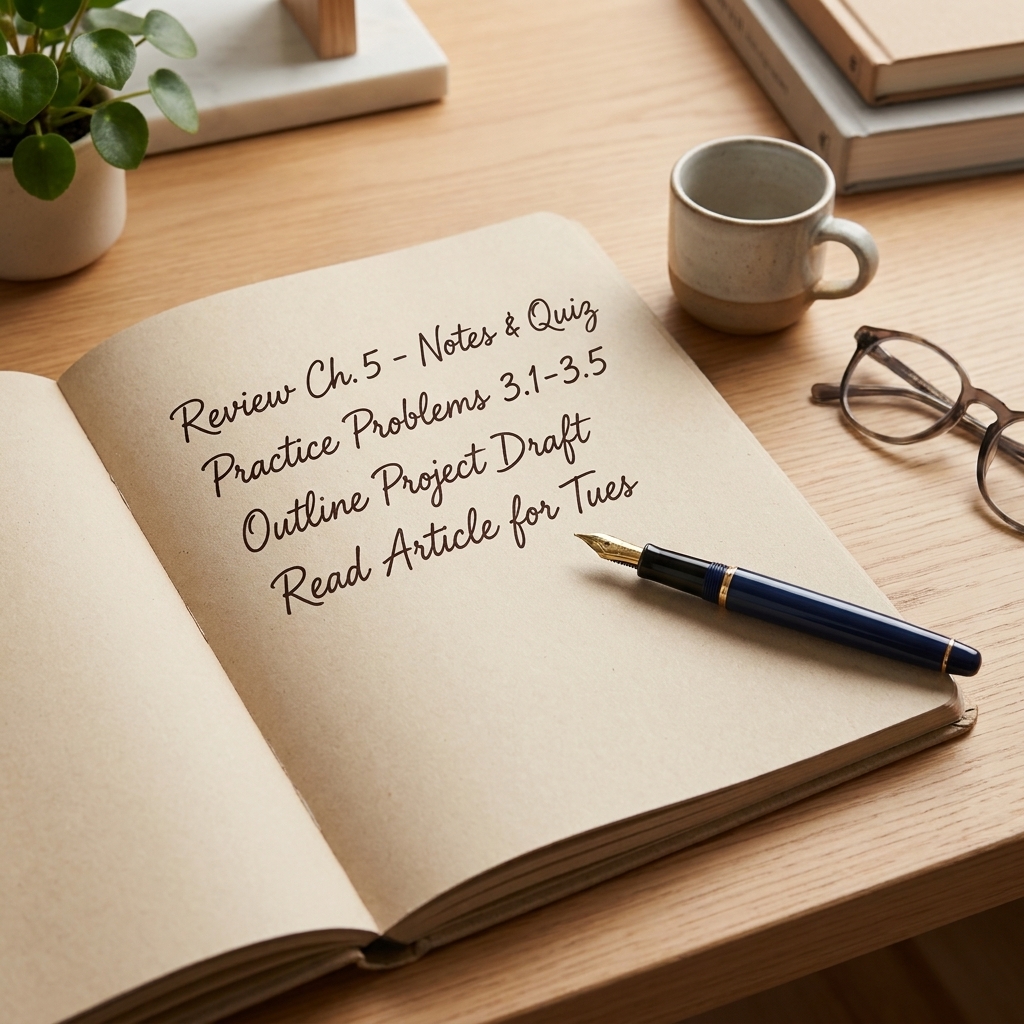
Paper can feel almost old-fashioned, but it has one huge advantage: it often slows you down just enough to notice what you actually need to do. If your biggest problem is overwhelm, confusion, or getting lost in the details, paper can feel calming and clarifying.
Strengths of paper
- Lower mental load: no tabs, no pings, no battery.
- Often better for thinking and prioritizing: writing by hand can nudge you to choose what matters most.
- Visual memory support: many people remember where something was on a page.
- More inviting for reflection: quick end-of-day notes are easier on paper for some learners.
Paper pitfalls (the ones nobody puts on the cover)
- It can disappear: left at home, buried in a bag, or lost entirely.
- Rescheduling is messy: rewriting plans can feel discouraging if you fall behind.
- No automatic reminders: you have to build the habit of opening it.
- Perfectionism traps: one “ruined” page and some people stop using the planner.
Paper works best when you keep it simple and permission-based. A planner is a tool, not a moral contract.
Quick decision guide
If you want the shortest path to a good choice, use these habit-based matches.
Digital is usually better if you...
- already live by your phone calendar for work or family logistics
- forget to check a planner unless something reminds you
- need flexibility because your schedule changes a lot
- benefit from timers and structured work sessions
- like tracking minutes, streaks, or weekly totals
Paper is usually better if you...
- feel calmer when you can see your week at a glance
- get distracted easily on screens
- learn best by writing things out
- need help deciding priorities more than remembering them
- tend to overcomplicate apps and then avoid them
Hybrid is better if you...
- want reminders (digital) but also want to think on paper
- need structure during the week and reflection on weekends
- have classes, work, and personal commitments that must sync
Hybrid is not “extra.” For many students, it is the most sustainable option because each tool does one job well.
The bad-week test
I like to run every tracker through what I call the bad-week test. Imagine you are behind, tired, and your confidence is a bit shaky. In that moment, will your system help you or shame you?
Ask yourself:
- Friction: How many steps does it take to capture a task or plan tomorrow?
- Forgiveness: If you miss two days, can you restart without “fixing” everything?
- Visibility: Will you see it naturally during your day?
- Reward: Does checking it off feel satisfying enough to repeat?
This is also where study preferences can show up, including what feels natural to you (visual layouts, talk-it-out planning, hands-on checklists). If you are not sure what supports you best, start with our learning styles guide and use it as a preference check, not a diagnosis.
Match your study style
A study tracker is not only a calendar. It is also how you interact with the work. Here are a few practical matches I have seen stick.
If you are visually driven
Paper can be fantastic because you can build a week view that you understand quickly. Digital can also work well if you rely on color-coding and consistent layouts.
- Try a color-based weekly layout on paper, or a digital calendar with strict color rules.
- Keep categories simple: class, review, assignments, life.
Related: Color-coded study schedule for visual learners.
If you learn by listening or talking it out
Digital often wins here because you can capture quick voice notes, set reminders, and study while commuting.
- Use a digital calendar for time blocks and a simple checklist for tasks.
- Plan audio-friendly review sessions for low-energy days.
Related: The commuter’s study plan for auditory learners.
If you are hands-on or restless
Either tool can work, but the tracker should connect to action. Think checklists, short sessions, and clear next steps.
- Use a paper checklist you can physically mark up.
- Or use a digital timer plus a very short task list.
Related: Pomodoro by learning style and Build a study session you can check.
Simple setups that last
If decision fatigue is hitting, choose one of these and run it for two weeks without tweaking. You can refine later.
Option A: All-digital
- Where: your phone calendar plus one notes app or task list.
- How: block study time first (when), then list 1 to 3 tasks for each block (what).
- Rule: if a task takes more than one session, rewrite it smaller.
Option B: All-paper
- Where: a weekly spread and a simple daily page.
- How: plan fixed commitments on the week, then pick a daily top three study actions.
- Rule: leave white space on purpose. White space is where real life goes.
Option C: Hybrid
- Where: calendar for time, paper for focus.
- How: schedule study blocks digitally, then keep one paper page per week with targets (chapters, problem sets, reviews).
- Rule: paper never gets rewritten midweek. It is a compass, not a transcript.
What I mean by “paper dashboard”
If you want a simple layout that works with Option C, try these headings on one page:
- This week’s outcomes: 2 to 4 concrete wins (finish Lab 2, outline essay, master Unit 3).
- Next actions: tiny, do-able steps (read 5 pages, do 10 problems, write 5 flashcards).
- Review plan: what you will revisit and when (even if it is just “Wed, Sat”).
- Stuck list: questions to bring to office hours or study group.
- Done: a running list for proof and motivation.

Switching without losing momentum
If you are changing from paper to digital or the other way around, do not migrate everything. That is the fastest way to turn a fresh start into a tedious project.
The clean switch method
- Keep only your next 7 days: write or enter what matters this week only.
- Capture open loops in one place: a short list of unfinished assignments, upcoming exams, and admin tasks.
- Pick a daily check-in time: attach it to a habit you already do (morning coffee, lunch, brushing teeth).
- Run a 2-week trial: no redesigning during the trial. Just use it.
If you have fallen behind and the tracker itself feels like proof of failure, start here: How to get your study plan back on track after falling behind.
Privacy, backups, and access
Two quick realities that can save you later:
- Digital: turn on cloud sync or backups so a lost phone does not erase your plan. If you share devices, lock anything that contains personal notes.
- Paper: if your planner is your brain, take a quick photo of your weekly page once a week. If it goes missing, you can rebuild from the photo.
Also, accessibility matters. If handwriting is painful or difficult, digital can be kinder. If screens are distracting or fatiguing, paper can be a relief. If attention is the main struggle, a hybrid approach (digital reminders, paper thinking) can reduce friction without adding complexity.
If you want to know how we handle site data, you can read our privacy policy.
Common questions
Is digital always more effective?
No. Digital is often more effective for reminders and rescheduling. Paper is often more effective for planning and thinking. Effectiveness depends on whether you consistently engage with the system.
What if I love paper but need reminders?
Use the smallest possible digital add-on: one daily alarm titled “Open planner” and, if needed, one reminder per study block. Let paper hold the plan.
What if apps distract me?
Keep the tracker in a single place you can access quickly, and avoid systems that require lots of browsing. A calendar widget plus a focus timer is usually safer than a multi-tab workspace.
What if I keep abandoning planners?
That is usually a sign the system is asking for too much detail or too much perfection. Try a lighter structure and focus on consistency over completeness. If you want a deeper reset, the signs are often predictable: 7 signs your study plan clashes with your learning style.
The bottom line
Choose digital if you need prompting, flexibility, and automation. Choose paper if you need clarity, calm, and space to think. Choose hybrid if you want reminders and structure without giving up the focus benefits of handwriting.
And if you take only one thing from this: the “right” tracker is the one that feels easy to return to after a messy week. Build for that version of you. You deserve tools that help, not tools that judge.