

I used to think “professional development” meant blocking off a full hour, a fresh notebook page, and the kind of mental energy I only seem to have at 9:12 a.m. on the third Tuesday of a good week. Then real life happened. Meetings multiplied, inboxes swelled, and my best intentions quietly expired.
What actually worked was switching from big study sessions to 15-minute microlearning blocks that slide between meetings and tasks. Not as a productivity flex, but as a way to keep learning moving without burnout. In this guide, I’ll show you how to set up microlearning so it feels doable on normal workdays, even when your calendar is chaotic.
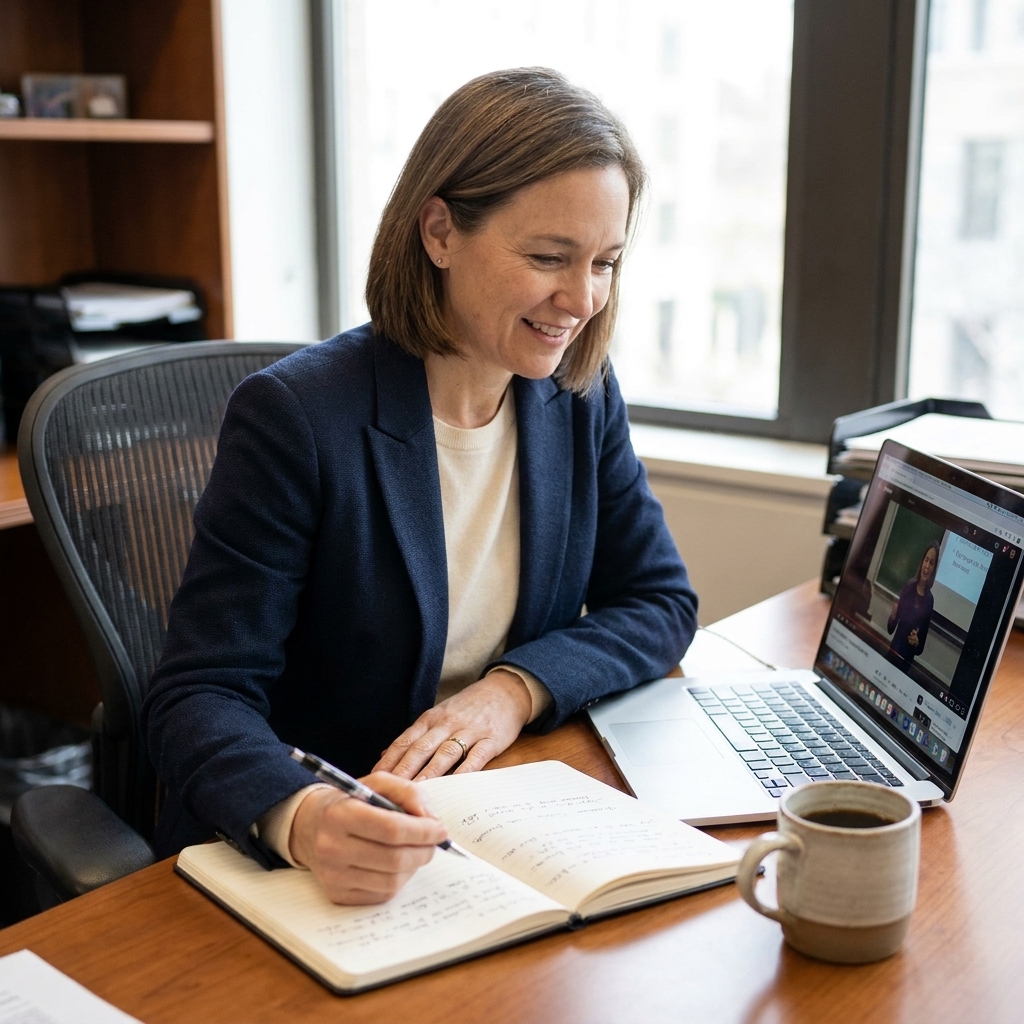
What microlearning is (and what it is not)
Microlearning is learning in small, focused bursts, typically 5 to 20 minutes, with one narrow outcome per session. The goal is not to “cover content.” The goal is to create a repeatable learning habit that compounds over time.
Microlearning is not:
- Scrolling through articles with no next step
- Bingeing a course at 1.5x speed and forgetting it by tomorrow
- Collecting resources you never use
Microlearning is:
- One skill slice at a time
- Active recall instead of passive reading
- Short feedback loops so you can apply it quickly
If you like structure, microlearning pairs beautifully with time blocks and small “finish lines.” I use the same approach I recommend in Build a Study Session You Can Check, just scaled down for the workday.
Pick topics that fit 15 minutes
Almost any career skill can be broken into micro-sessions, but the trick is choosing micro-sized targets, not micro-sized time.
In other words: aim for “Write one XLOOKUP that solves my current spreadsheet problem,” not “Watch Excel videos for 15 minutes.”
Good microlearning topics
- Software skills: one shortcut, one menu, one workflow
- Communication: one template for a hard email, one meeting agenda format
- Data and analytics: one chart type, one metric definition, one SQL clause
- Leadership: one feedback phrase, one coaching question, one 1:1 structure
- Industry knowledge: one concept, one regulation summary, one competitor snapshot
Too big for 15 minutes (until you slice it)
- “Learn Excel” (slice into: XLOOKUP basics, PivotTables: creating, PivotTables: grouping)
- “Get better at presentations” (slice into: opening hook, slide rule of three, handling Q&A)
- “Understand AI” (slice into: what is a model, what is a prompt, what is hallucination)
My rule: if you cannot write the session goal as a single sentence starting with “At the end of 15 minutes, I can…” it is too big.
Map your 15-minute slots
The easiest way to make microlearning happen is to stop searching for perfect time and instead reuse time you already have.
Common pockets (that do not look like learning time)
- Before the first meeting: the calmest mental minutes of the day
- Right after a meeting: when the topic is fresh (perfect for writing one takeaway plus one next action)
- Lunch buffer: 15 minutes before you eat or right after
- End-of-day cooldown: low-stakes review and planning
- Commuter minutes: ideal for audio review if you are not driving
If your schedule is unpredictable, anchor microlearning to an existing routine. I call this a “trigger.” Examples: after I post standup notes, after I close my lunch calendar block, after I send my last email of the day.
For a more structured week, you can adapt the approach in Time Blocking Your Study Week for Better Retention to create 2 to 4 micro slots that repeat daily.

The 15-minute format I use
Here is the format that keeps me from turning a 15-minute session into 45 minutes of “preparing to learn.”
Minute 0 to 2: Set a tiny finish line
- Write one sentence: “In 15 minutes, I will…”
- Choose one resource only (one doc, one lesson, one article section)
Minute 2 to 10: Learn actively (not passively)
- Ask: “What would I need to explain to a teammate?”
- Take 5 to 7 bullets max
- Copy one key example into your notes (a formula, a phrase, a step list)
When I catch myself highlighting like it is a hobby, I switch to the Feynman Technique. Explaining the idea in plain language forces real understanding fast.
Minute 10 to 14: Retrieve and apply
- Close the tab or minimize the course
- From memory, write 3 things you remember
- Do a micro-application in your real work context
Examples of micro-application:
- Draft a 3-line email using the new structure
- Rewrite a confusing sentence from a doc you are already working on
- Create one small spreadsheet example to test a formula
- Add one clarification question to your next meeting agenda
Minute 14 to 15: Schedule the next touch
Microlearning sticks when you return to it. Add a 2-minute follow-up block tomorrow or later this week. Spacing matters, and it does not have to be complicated. If you want a simple review rhythm, use the ideas in Spaced Repetition by Learning Style.
Track progress without making it a project
If you want microlearning to feel “real,” give yourself a quick way to see it adding up. Nothing fancy.
Two low-friction options
- One-line win log: after each session, write one sentence starting with “Used this when…” or “Next time I will…”
- Confidence rating (1 to 5): rate how confident you feel about the skill, then re-rate after your next session. Watching a 2 turn into a 4 is weirdly motivating.
I keep mine in one running note called “Work Learning Log” so I am not hunting for files. The best system is the one you can open in five seconds.
Break a big topic into 5 days
If you are starting with something dense, like project management basics, a new tool, or a certification module, use this simple slice plan. Each day is 15 minutes.
Day 1: Map the landscape
- Skim to find the 5 to 7 main subtopics
- Create a short list called “Pieces”
Day 2: Learn one piece + example
- Pick the smallest subtopic
- Find or create one example
Day 3: Explain it (Feynman-style)
- Write a 6 to 10 sentence explanation
- Identify one “gap sentence” you could not explain
Day 4: Test yourself
- Write 5 questions you might be asked about it
- Answer without looking, then check
If you like the testing approach, you will get a lot out of Practice Tests That Improve Your Study Plan. You can scale it down to 5 questions in 5 minutes.
Day 5: Apply in your workflow
- Use it in a real deliverable, even in a tiny way
- Write a 2-sentence “when I use this” rule for future you
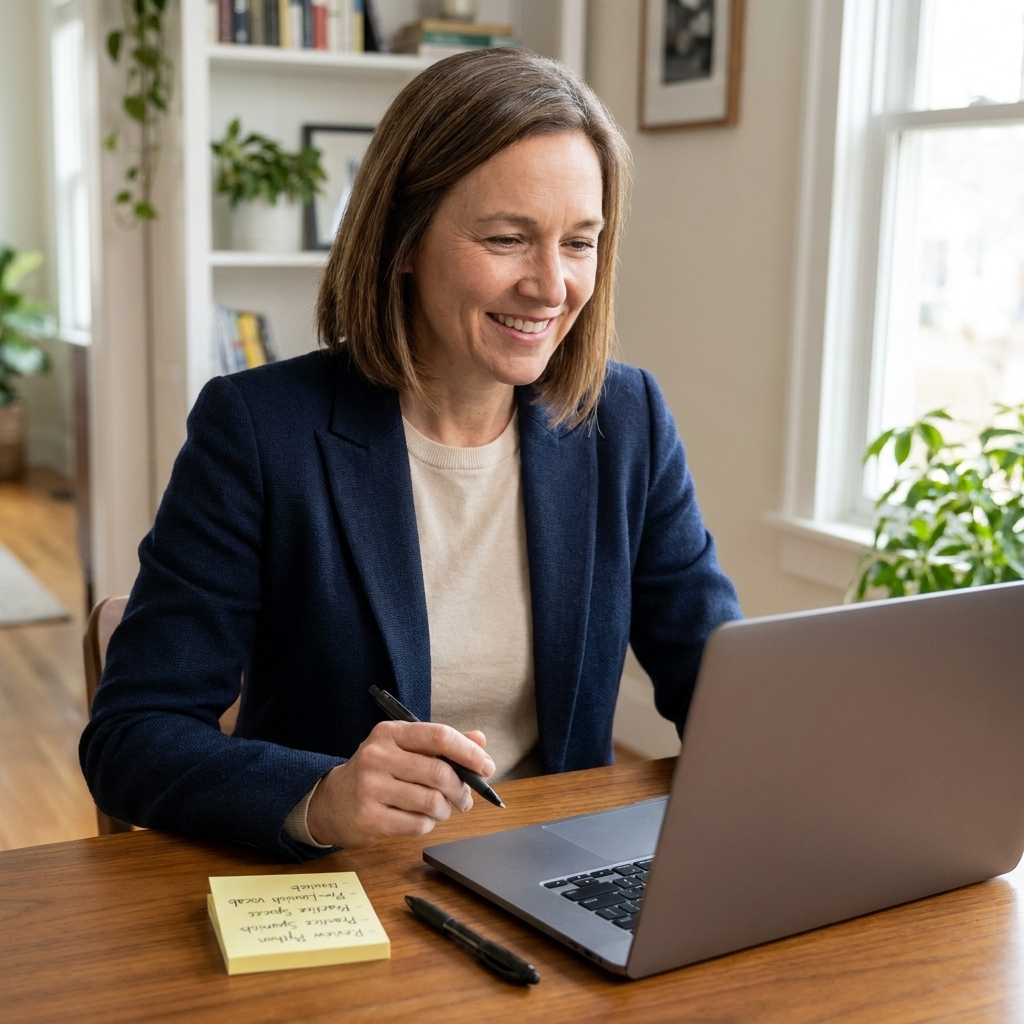
Make it feel like work
The main reason microlearning fails at work is guilt. It feels like you are stealing time. So I make it work-adjacent whenever possible.
Three ways to connect learning to work you already do
- Learn from your current task: choose one concept that makes today’s work easier (a clearer status update, a faster report, a better meeting question).
- Learn for your next task: pick the skill you will need in the next 48 hours.
- Learn through cleanup: spend 15 minutes improving a template, checklist, or SOP you reuse.
Some weeks you will only manage 2 micro sessions. That still counts. Consistency is built by returning, not by being flawless.
Microlearning by learning style
I do not believe in one-size-fits-all learning, especially at work where your brain is already juggling a lot. Think of these as preference-based tweaks. They are small adjustments that make it easier to focus and remember, not a rigid diagnosis.
Visual learners
- End every session with a 6-box sketch on paper: key terms, arrows, one example.
- Use a one-page mind map for anything with categories. Try the approach in Mind Mapping for Complex Subjects.
Auditory learners
- Talk your summary out loud for 60 seconds.
- If you commute, use a short voice note to recap what you learned and replay it tomorrow. (If you want more commute-friendly structure, see The Commuter’s Study Plan for Auditory Learners.)
Read and write learners
- Create a running “Work Learning Log” with one paragraph per session.
- Finish with one question you want to answer next time.
Tactile or hands-on learners
- Replace half the reading with doing: build a tiny sample, test a feature, role-play a conversation.
- Use a “teach it” moment: explain the concept to a coworker or to an empty room. Both count.
Common problems and fixes
“I keep getting interrupted.”
- Choose a format that survives interruptions: 3 bullets plus 1 practice question.
- If possible, take the session away from your desk, even to a quiet corner.
“I waste the whole 15 minutes choosing what to learn.”
- Keep a short list called “Next 5 Micro Topics.”
- When you finish a session, immediately pick the next one.
“I do the sessions but nothing sticks.”
- Add retrieval: write your summary from memory.
- Add spacing: revisit the same idea for 2 minutes tomorrow.
“I feel behind, so 15 minutes seems pointless.”
This is exactly when microlearning helps. If you have fallen behind on development goals, I would rather you do 15 minutes daily than attempt a heroic weekend catch-up that drains you. If you need a reset mindset, the steps in How to Get Your Study Plan Back on Track After Falling Behind translate well to career learning.
A weekly plan you can reuse
If you want a plug-and-play rhythm, here is one that fits around meetings.
- Mon: Pick one skill for the week and define what “better” looks like.
- Tue: Learn one small concept and write a 3-bullet summary.
- Wed: Practice: do one tiny task using the concept.
- Thu: Self-quiz: 5 questions, check answers.
- Fri: Reflection: what helped, what to adjust, what is next.
If you are balancing learning with full-time work already, you might also like A Realistic Study Schedule for Full-Time Workers. I borrow from it constantly when my calendar gets messy.
FAQ
Is 15 minutes actually enough to learn something useful?
Yes, if the goal is small and you use active recall. One 15-minute session can absolutely teach you one shortcut, one framework step, one definition, or one communication pattern. The real power is doing it repeatedly.
How many microlearning sessions should I do per day?
Start with one. If that becomes easy, add a second session on 2 to 3 days per week. Two daily sessions can be great, but only if it stays low-friction.
Should I do microlearning during work hours?
That depends on your role and workplace norms. In some workplaces, learning time is supported when it clearly improves job performance. The most sustainable approach is to connect the session to your current work and keep it short, focused, and measurable.
What if I miss a day?
Skip the guilt spiral. Just return with the smallest possible session, even 5 minutes. Momentum matters more than streaks.
My favorite mindset shift
I stopped asking, “When will I have time to learn?” and started asking, “Where can I place one small learning rep today?” Fifteen minutes is not a grand reinvention. It is a tiny promise you can keep between meetings.
And if your first attempt feels awkward, that is normal. Microlearning is a skill too. You get better at choosing smaller targets, retrieving faster, and applying sooner. That is the win.